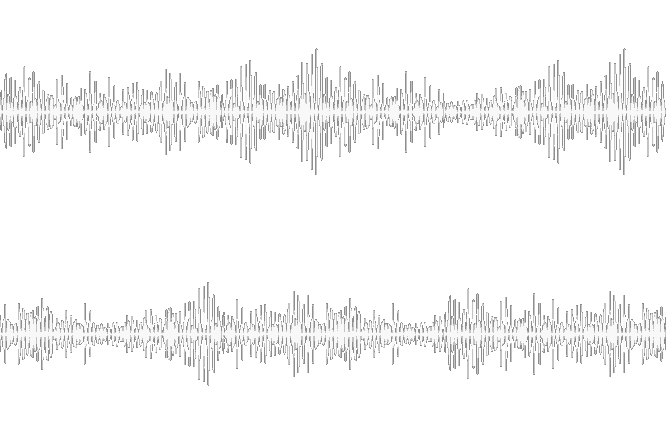
Audio Waveform GIF

High-quality Audio Waveform GIF and animated icon. Download for free, edit, and use for your website or social media.

Downloads: 0Views: 0Free License
Preview Backdrop
Audio Waveform GIF, free CC0

Animated Icon (GIF) Information

  • File Size:169 KB
  • Dimensions:222x222
  • Frames:59
  • Duration:5.9 Seconds
  • Upload Date:November 24, 2026
  • Last Downloaded:
  • License:Free License - CC0 1.0 Universal

Dynamic Color Palette

Click to copy color codes extracted from the Audio Waveform animated GIF image.

Loading

Platform & App Compatibility

100% compatible with social media platforms, messaging apps, and presentation software.

Social Media
(X, Instagram)
Messaging
(WhatsApp, Slack)
Presentations
(PowerPoint, Slides)
Email Marketing
(Newsletter, Sig)
Your Website
(Responsive Design)
Blog & Content
(WordPress, etc.)

GIF Specifications

Animation frames, duration, resolution, and color depth features of the GIF file.

Aspect Ratio
1:1 (Square)
Frame Rate (FPS)
10
Loop Type
Infinite Loop
Transparency Support
-

Download

Collections

Audio30+ Graphics
Audio Mixer Icon, free CC0Notification Audio Off Icon, free CC0Music Icon, free CC0Phone Volume SVG Vector, free CC0
Wave5+ Graphics
Wave GIF, free CC0Water Wave SVG Vector, free CC0Beach Icon, free CC0Surfing Board Icon, free CC0
Waveform5+ Graphics
Sine Wave GIF, free CC0
Music35+ Graphics
Music SVG Vector, free CC0Apple Music Logo SVG Vector, free CC0Apple Music Black Logo SVG Vector, free CC0Apple Music White Logo SVG Vector, free CC0
Sound25+ Graphics
Sound SVG Vector, free CC0Mobile Sound Icon, free CC0Notification Sound Icon, free CC0Mobile Sound Off Icon, free CC0
Other Popular Tags

GIF Usage

You can use GIF file from our platform with full customization capabilities. Our built-in GIF editor allows you to adjust brightness, color channels (red, green, blue), and apply grayscale, sepia, and negative effects. You can speed up or slow down animation by setting the playback speed to any value between 0.1x and 10x. With size settings, you can specify width and height in pixels and maintain the aspect ratio. You can convert and download your GIF in WebP (better compression), APNG (full color support), or SVG (vector-based) formats. You can preview all your changes instantly and revert to the original with the reset feature. With these features, you can create ideal content for social media, websites, presentations, and digital marketing campaigns.